

Lawn care software that runs your mowing day
Most mowing companies don't lose money on the mowing. They lose it in the truck between lawns, in the office after dinner, and on the cuts that never made it onto an invoice.
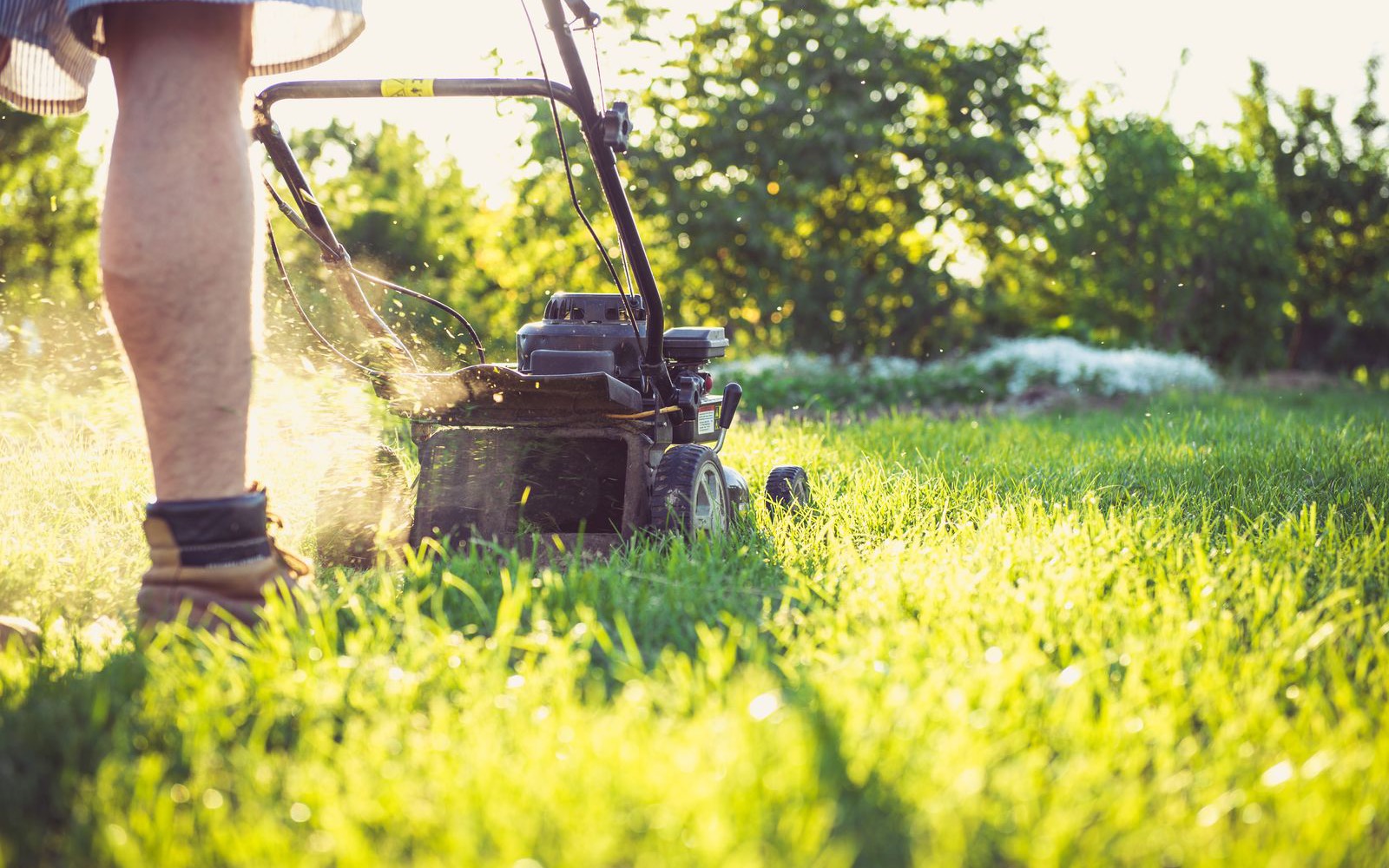
The route builds itself before your coffee's done
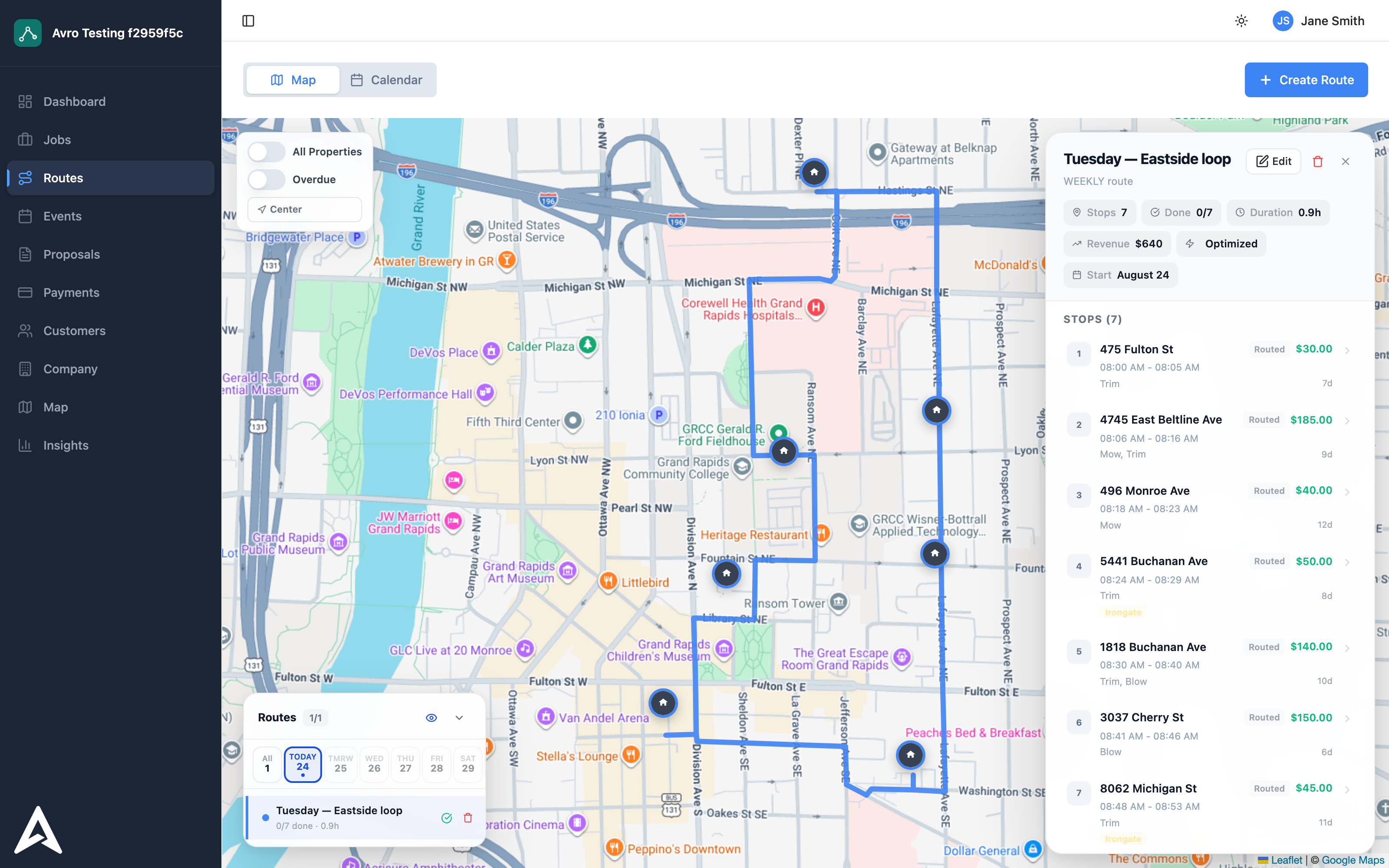
Your recurring properties already know their schedule, so Monday's due lawns are sitting in a list when you wake up. Build the route in one pass and the optimizer puts the stops in a sensible order. No more twenty minutes squinting at a map, and no more crews crossing town twice for lawns three streets apart.
Your crew already knows the plan
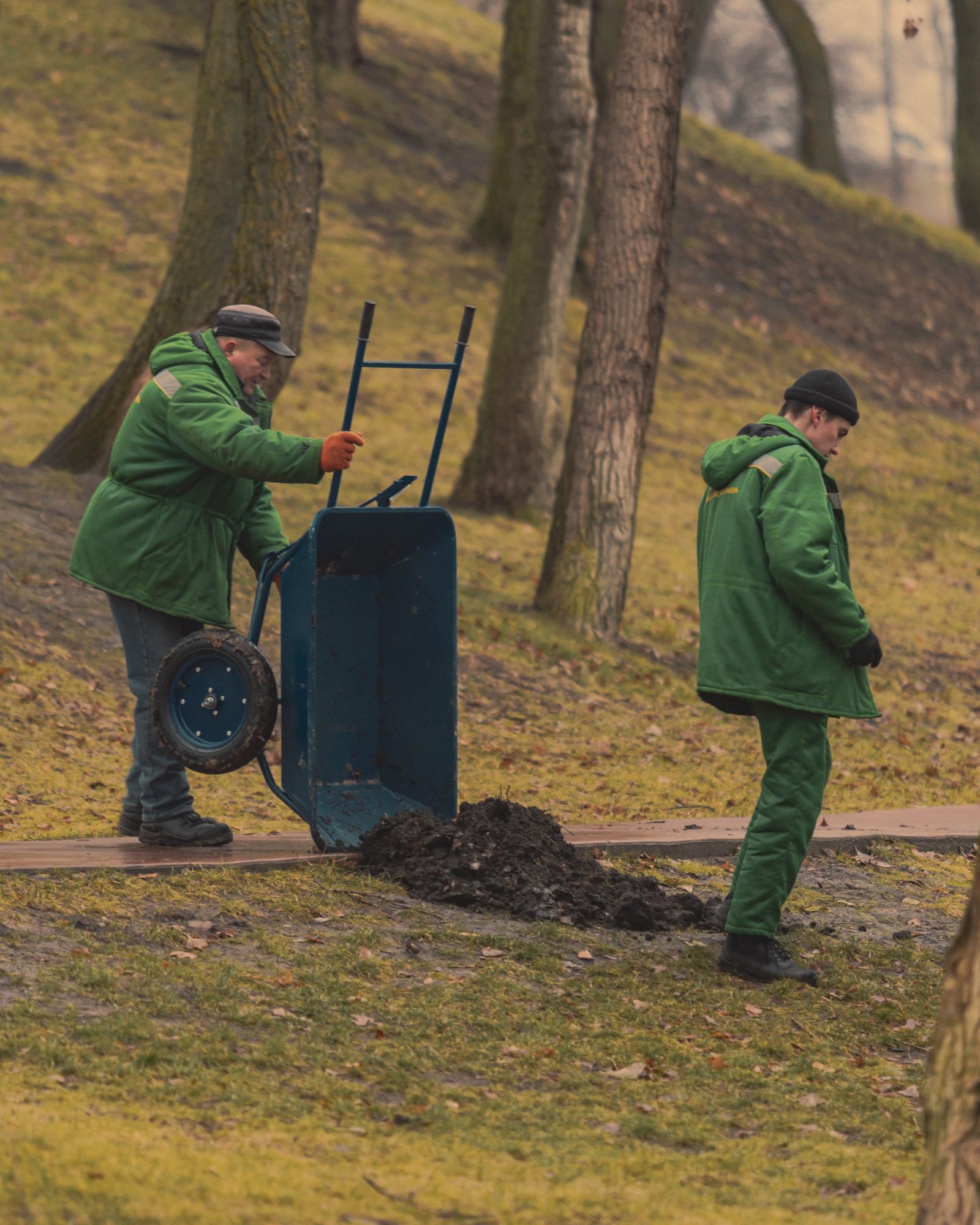
Crews follow the route on their phones, tick off mow, trim, and blow at each stop, and take a photo on the way out. When a customer calls asking if you've been by yet, you check the screen instead of calling the truck.
The work you did is the work you bill
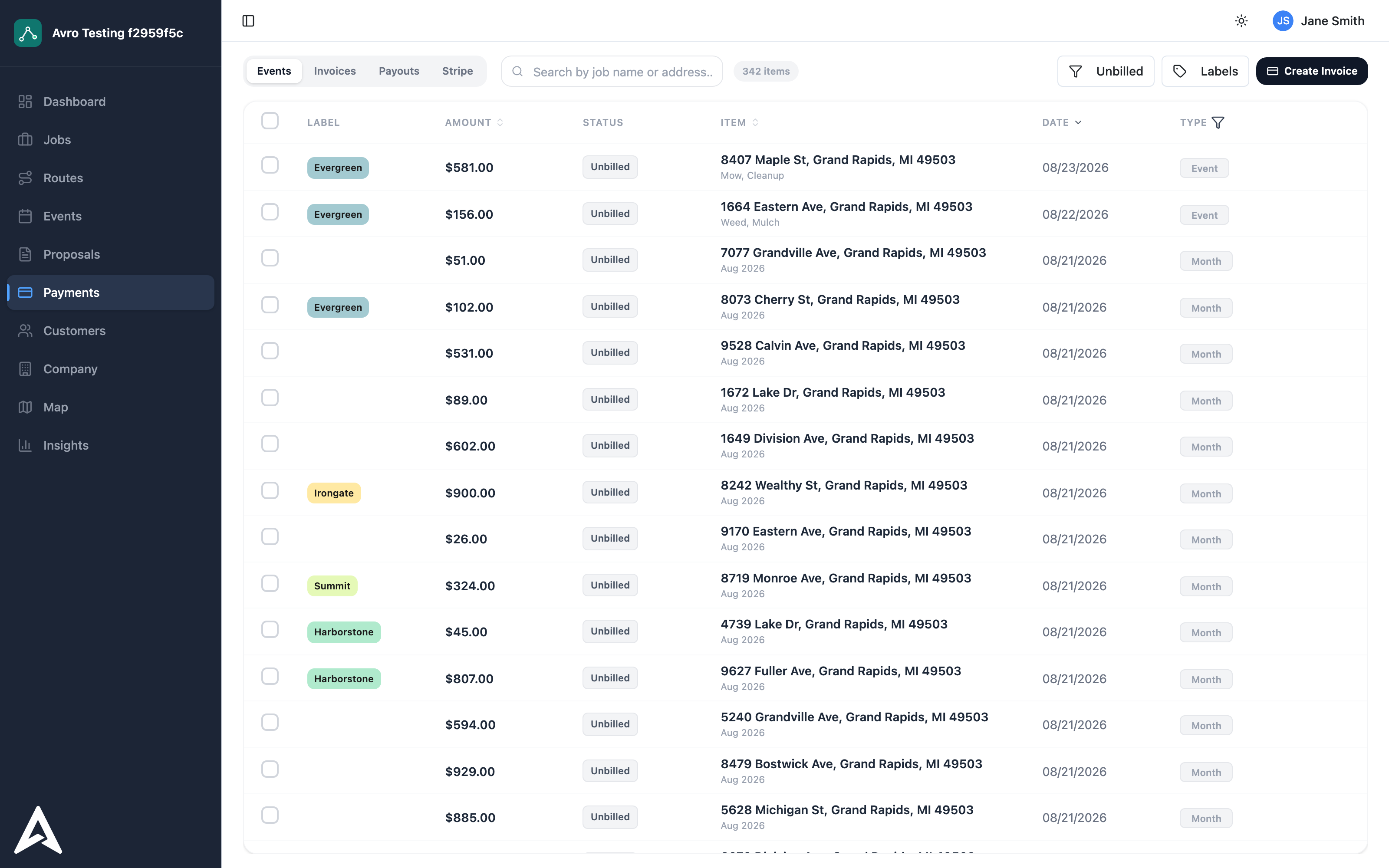
Every finished visit is a billable line with the right price already on it. Invoice per cut or once a month per customer. Either way it comes from the record, not from anyone's memory, so the Tuesday you squeezed in for free last month stops happening. Payments come in by card or bank transfer on their own.
Frequently asked questions
What is lawn care software?
Lawn care software manages the operating side of a mowing business: recurring visit schedules, optimized routes for the day's lawns, a mobile app crews work from in the field, and billing that comes off the completed visits. The aim is that the route, the crew, and the invoice all read from the same record instead of three separate systems.
Is there a lawn care app crews can use in the field?
Yes. Crews follow the day's route on their phones, tick off mow, trim, and blow at each stop, and take a photo on the way out. Because the visit is marked complete on the phone, the office can see progress live and the billable record is created without anyone re-entering it later.
How does route optimization work for mowing routes?
Recurring properties already know their schedule, so the lawns due on a given day are waiting in a list. Avro sequences those stops to cut drive time between them, factoring in distance, working speed, and what is coming due. In practice that means crews stop crossing town twice for lawns three streets apart.
Can I bill per cut or monthly?
Both. Every completed visit is a billable line with the price already attached, so you can invoice per cut or roll a customer's month into one invoice. Payments come in by card or bank transfer, and the invoice is built from the visit record rather than from anyone's memory.
Does Avro work for a solo operator or a small lawn care business?
Yes. Pricing is a base rate plus per-job pricing, so a one-truck operation is not paying for seats it does not use. The same routing, mobile checklist, and billing workflow runs whether you mow alone or run several crews.
Can the same account handle snow removal in the winter?
Yes, and most mowing companies use it that way. Avro also runs snow removal and plowing, so customers, properties, crews, and billing history carry from the mowing season into winter in one account rather than being split across two tools.
Does Avro work with QuickBooks?
Yes. Invoices and payments recorded in Avro stay matched with QuickBooks, so billing does not have to be re-entered into your books.
Put your mowing list on a real route
Bring this week's lawns and we'll build the optimized route in front of you — arrival windows, proof photos, and the invoices at the end.