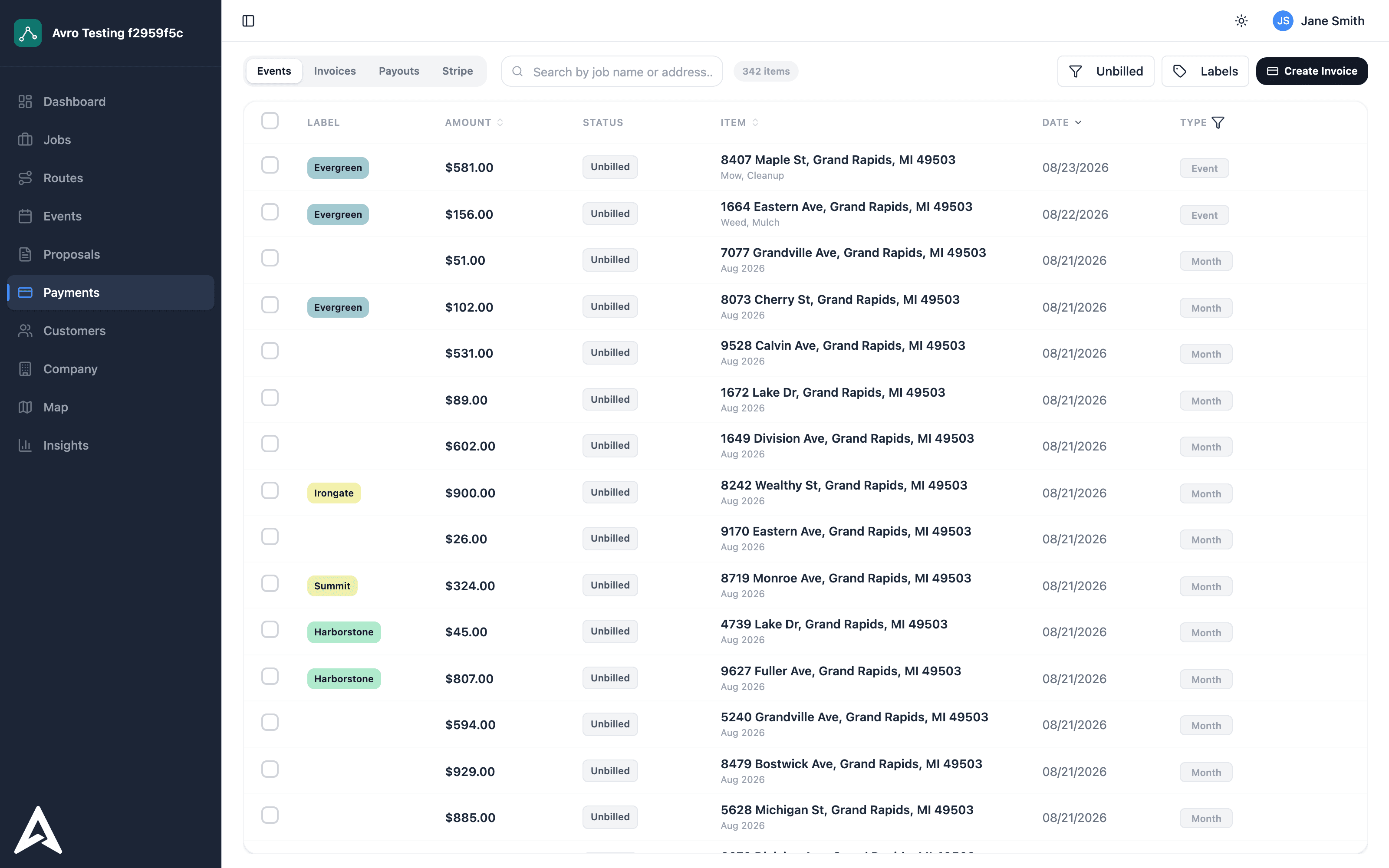
Billing is where field service businesses bleed evenings. Avro's model is simple: every completed visit is already a billable line, and everything downstream is a setting.
Each catalog item carries payment options: per service, per month, or prepaid bundles. A weekly mow can bill $45 per cut or $135 per month; a fall cleanup can be a one-off; a plow contract can be 16 prepaid pushes. Customers can hold different options for the same service.
Per-service work invoices when it's done. Monthly work rolls every visit into one invoice per customer at the end of the cycle — including extras like chemical charges or one-off add-ons attached to specific visits, so nothing gets forgotten.
Customers add a card or bank account once, opt into autopay, and invoices settle themselves. Failed payments retry and flag for follow-up. Processing-fee pass-through is a per-company toggle if you want card fees on the customer's side of the table.
Every payout to your bank account traces back to the exact invoices inside it, and QuickBooks stays in sync without re-keying. When the deposit hits, you already know what it's made of.