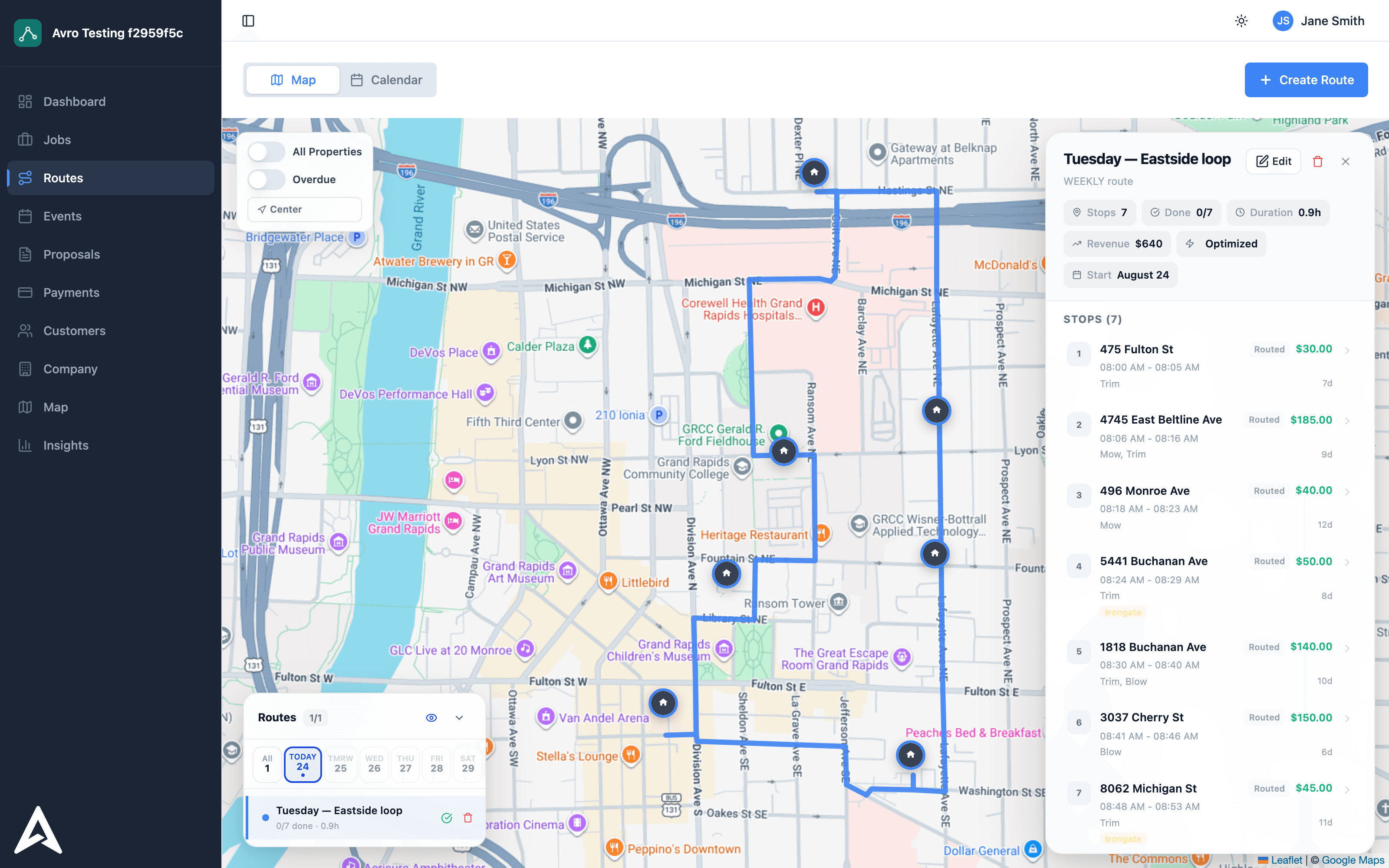
Hitting Optimize gives you a drive-time-efficient route. But the optimizer knows more about your day than distances, and the difference between a good route and a great one is feeding it that context.
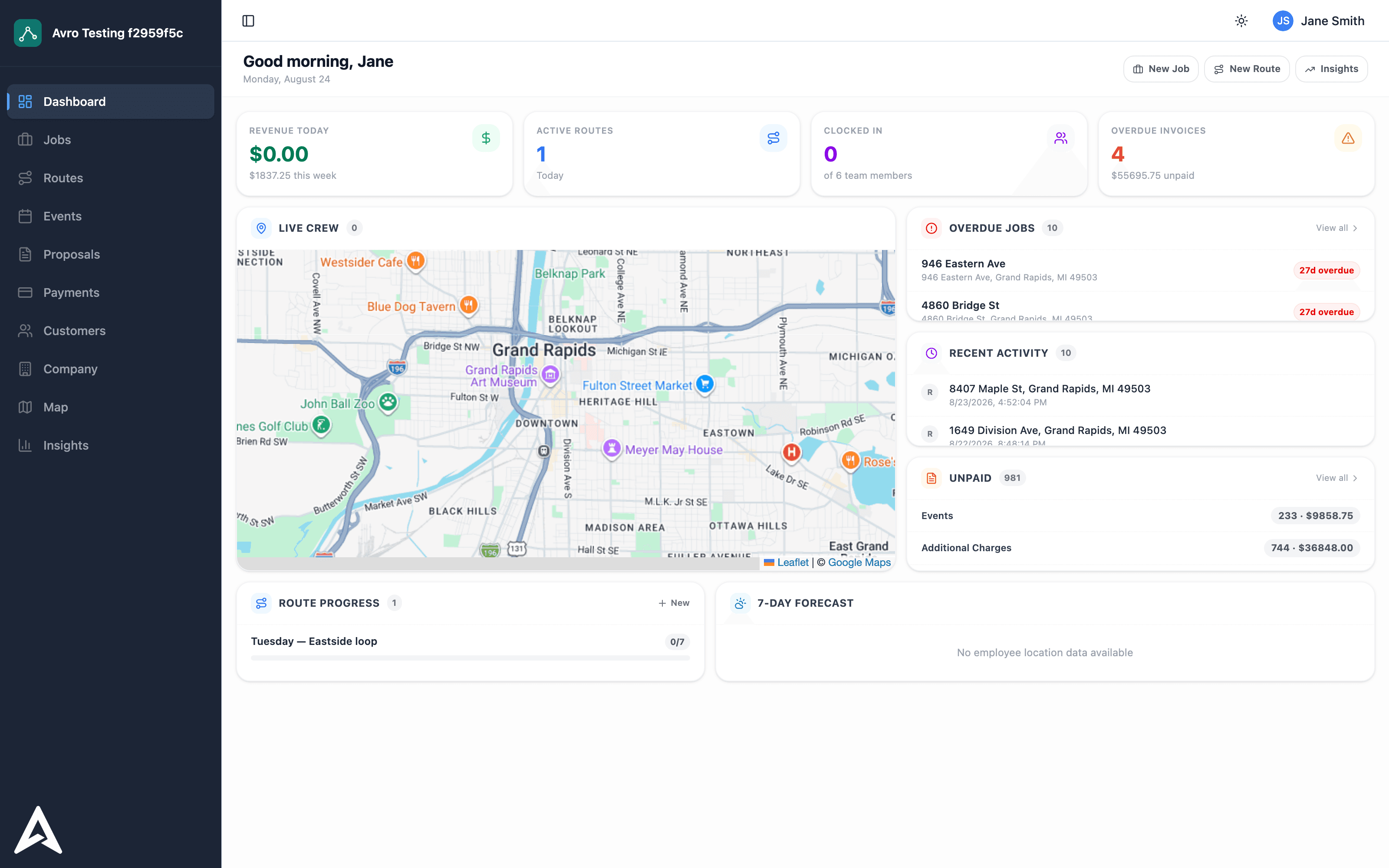
Recurring tasks carry frequencies, so Avro knows what's due, what's coming due, and what's slipping overdue. Overdue work is weighted forward — you can see it projected on future days too, so Thursday's route already accounts for what Tuesday's rain pushed back.
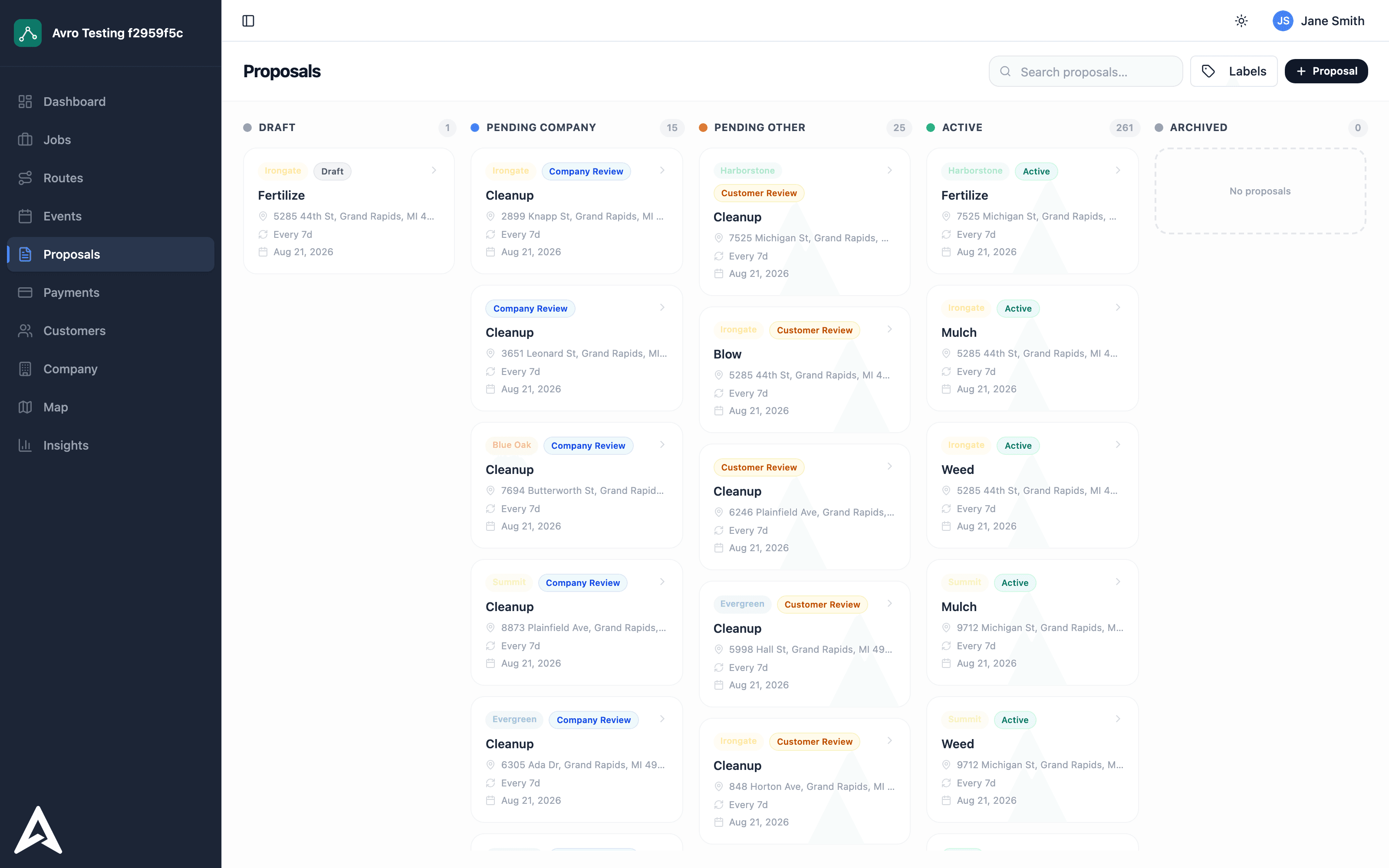
Mark a task priority and it gets surfaced across the map, the jobs list, and routing. Pin a stop when reality outranks efficiency — the customer who must be first, the dump run that has to end the day. The optimizer plans around your pins instead of fighting them.
Per-stop service times make the route honest. A 14-stop day of 20-minute lawns is very different from 14 one-hour cleanups, and arrival estimates only mean something when service length is real. Add delay to a route when the day starts late and the whole plan shifts with it.
Optimization runs in the background — while it's working, routing actions lock so two people can't fight over the schedule. Truck broke down? Remove the route, spread the stops, re-optimize. Mid-storm re-planning takes minutes, and crews see the new order immediately.